Mileage reimbursement starts with an accurate log
Driversnote logs every trip automatically, so you reimburse the right amount and keep your taxes in order, without spreadsheets, paper logs or juggling apps.


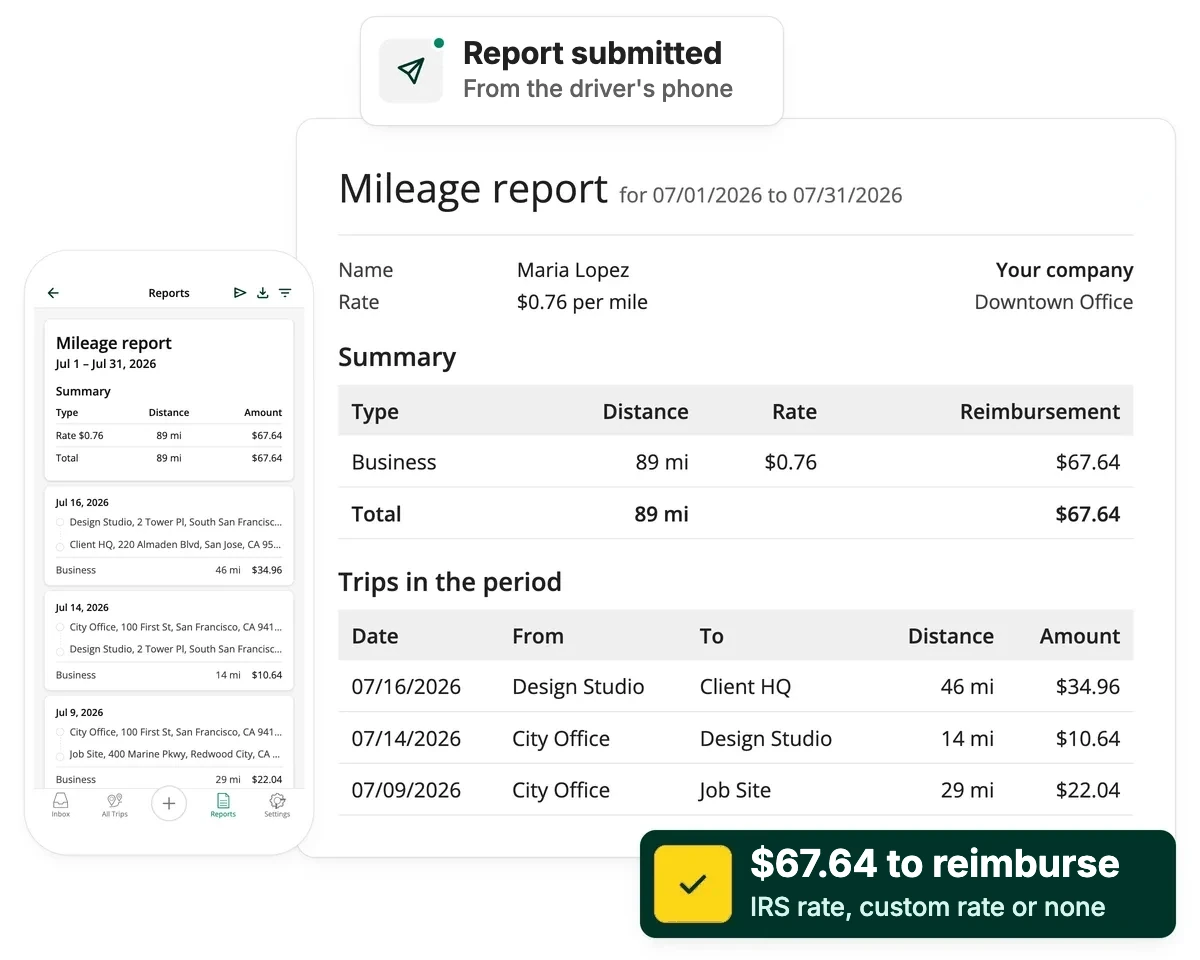
Which side of the log are you on?
Pick the one that fits and we'll take you to what's relevant. Employ and reimburse yourself? We'll point you to our guide for the self-employed.
For employers & admins
Reimburse your team correctly, with less admin

Automatic tracking
Trips log themselves, so drivers have nothing to remember.

Set your own rules
Choose your rate, reporting periods, reminders, tags and notes.

Team-wide dashboard
Every driver's trips and reimbursement status, in one place.

Audit-ready exports
One-click PDF or Excel exports, with a full edit log.

Privacy controls
You only see the trips drivers submit, and personal details stay private.
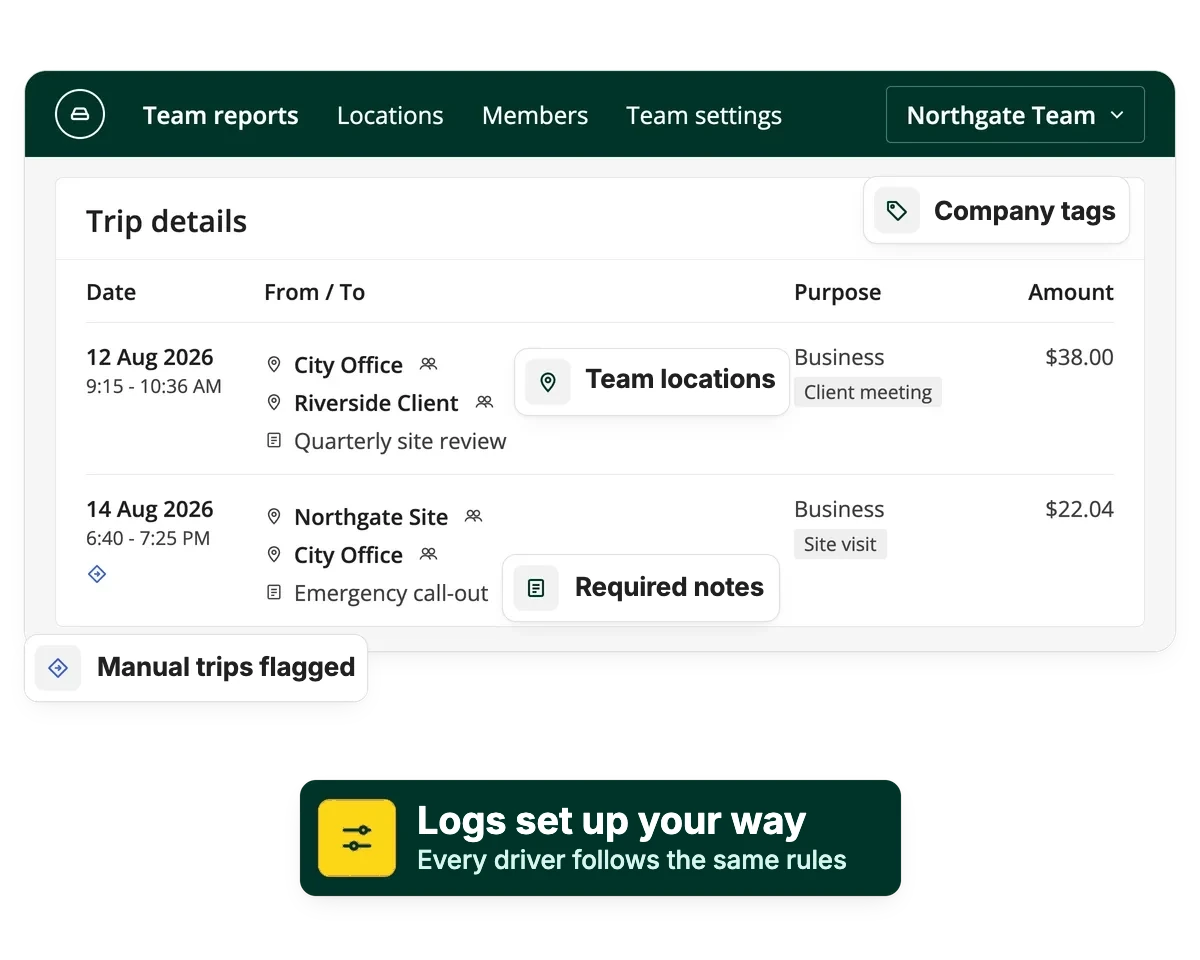
Automatic logs
Accurate logs across the company, without the admin load
Every driver's log arrives in the same format, so there's nothing for you to collect, chase or correct by hand.
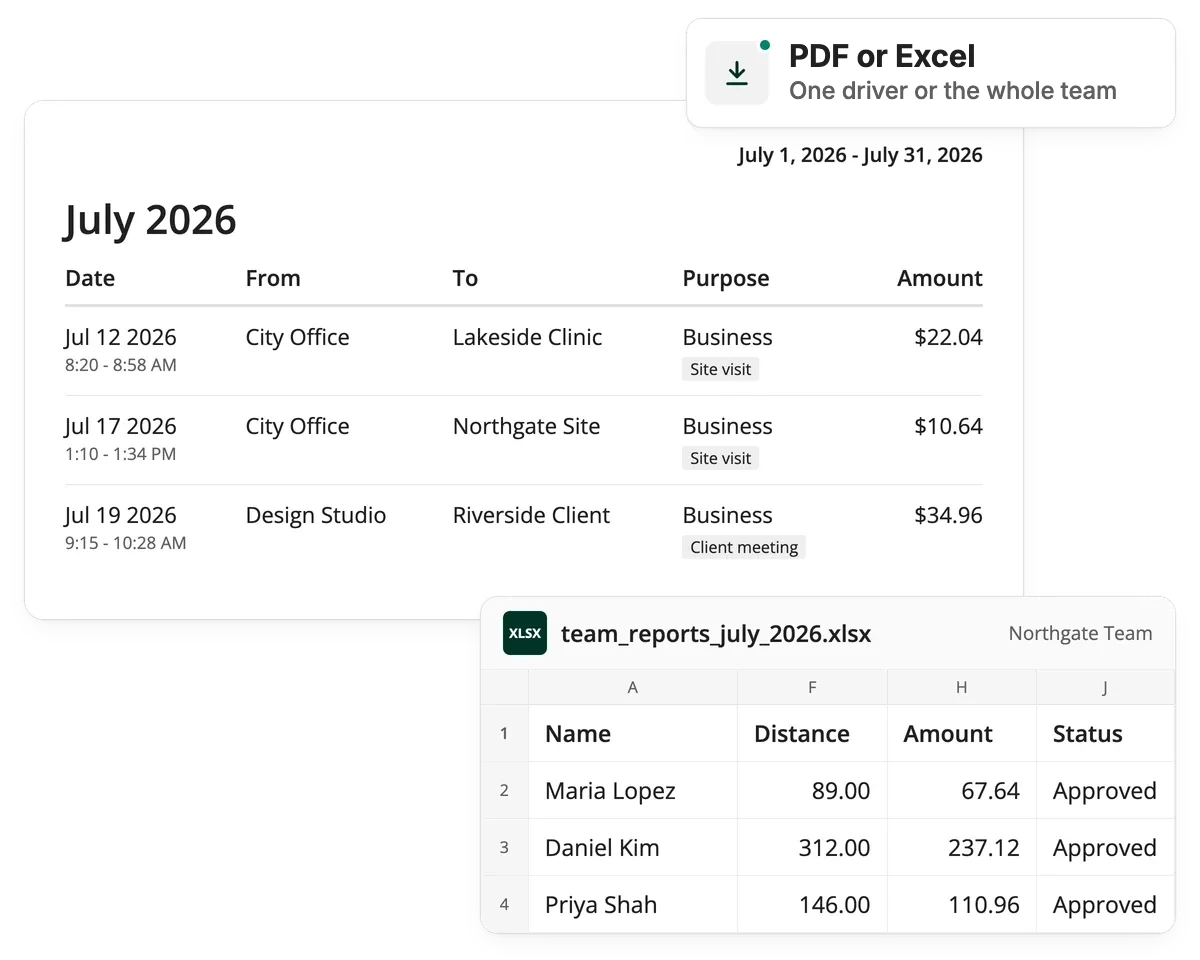
Audit-ready reports
IRS-compliant logs, whenever you need them
Review and approve every driver's log in the web dashboard, then reimburse through payroll or your expense process, just as you do today.
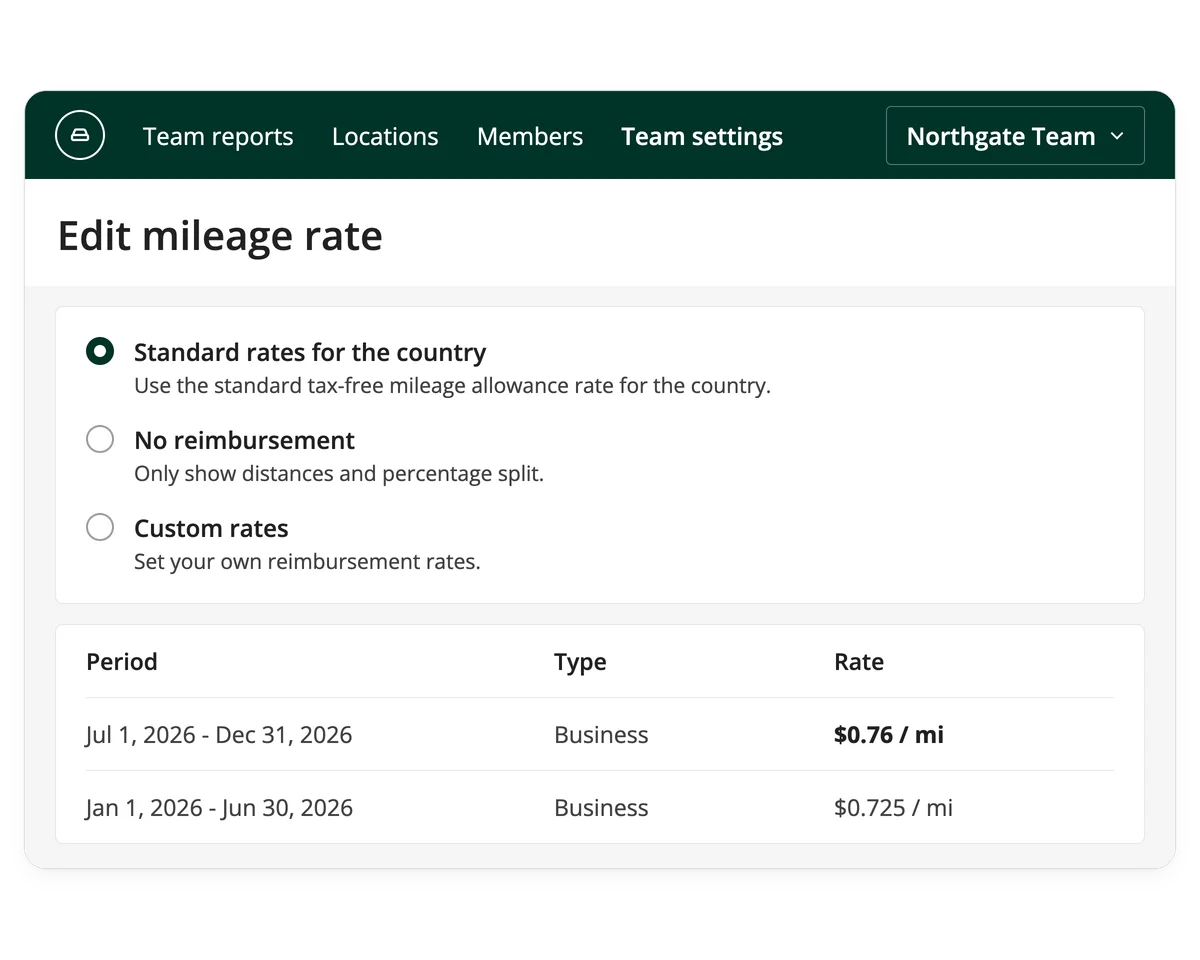
Reimbursement rates
Reimburse your way, with numbers you can trust
Driversnote's log gives you accurate mileage to calculate from, whichever program you use.
For employees and drivers
Get reimbursed fairly, without logging by hand
Auto-track
Every trip logs itself by phone GPS, with nothing to start or stop.

Classify
Mark each trip business or personal in a tap.
Review your log
Check your trips before they go to your employer.
Submit your report
Send your report to your employer with a single tap.
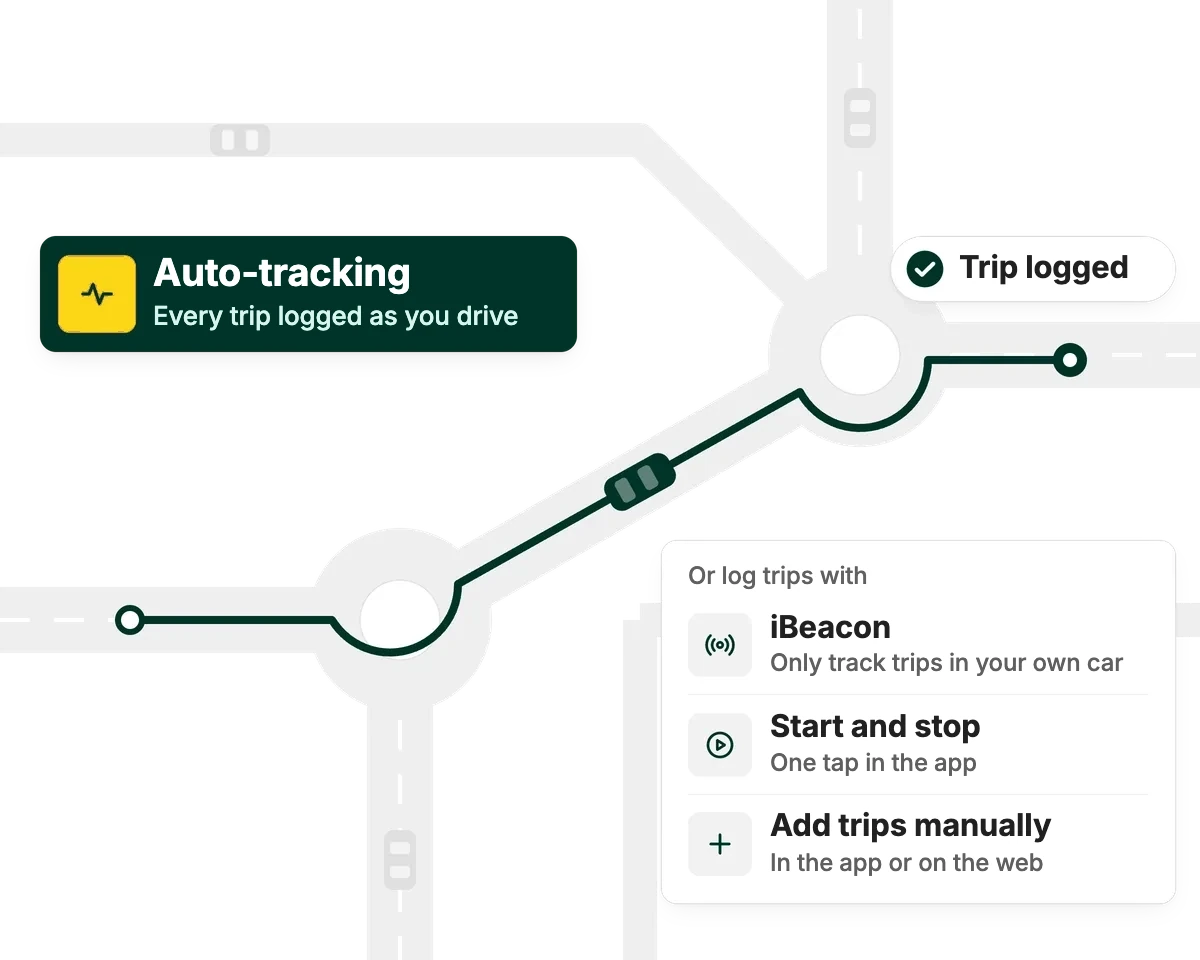
Automatic tracking
A mileage log that takes care of itself
Get reimbursed fairly and on time. Auto-track your trips, classify them in a tap and let your log handle the rest.
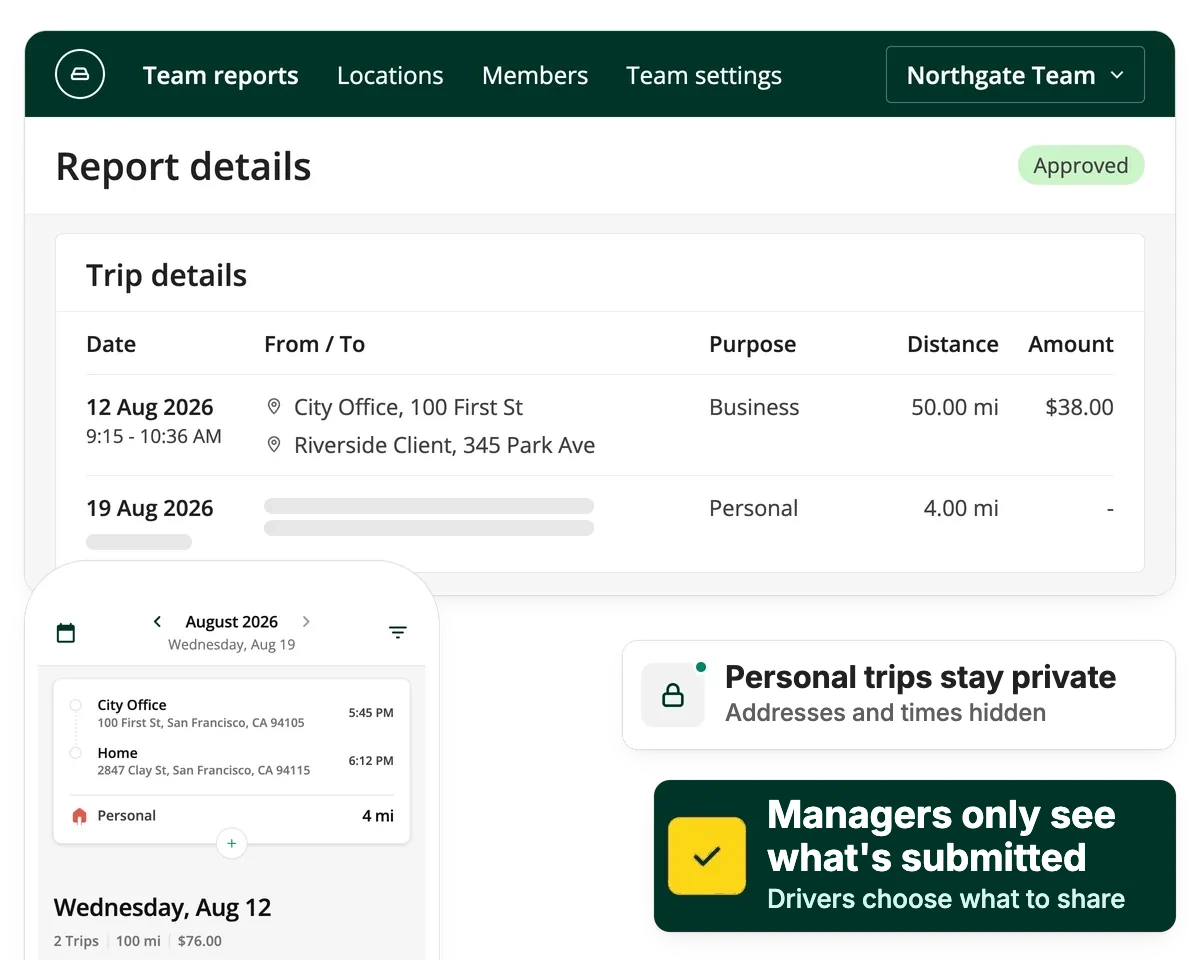
Privacy & security
Protect driver privacy while tracking mileage
Drivers own their trip log and decide what to submit, so you get the oversight you need without seeing their personal trips.

iBeacon
Even easier and more accurate tracking
Add the Driversnote iBeacon and tracking starts and stops on its own, with fewer false starts and fewer stray entries to clean up in your log.
Features
Works wherever you drive, and with the tools you use
- iPhoneiOS app
- AndroidAndroid app
- WebDesktop and admin
- iBeaconAuto-start in the car
- IntegrationsConnect your tools
- Open APIDocumented API


Ready to get started?
Track trips automatically and back every reimbursement with an accurate log.
Frequently asked questions
An Accountable Plan has three requirements: a business reason for the expense, substantiation (a mileage log made at the time) and returning any excess payment within a reasonable time. Meet all three and the reimbursement is tax-free. Miss one and the IRS treats it as a Non-Accountable Plan, where every dollar paid becomes taxable W-2 wages, subject to withholding, FICA and FUTA.
Generally no, so any shortfall comes out of the employee's pocket. The 2017 Tax Cuts and Jobs Act suspended the deduction for unreimbursed employee business expenses, and the One Big Beautiful Bill Act made that suspension permanent. A few narrow exceptions remain, for Armed Forces reservists, qualified performing artists, fee-basis government officials and employees with impairment-related work expenses.
No. Self-employed people and independent contractors aren't reimbursed by an employer. They deduct business mileage on Schedule C, using either the standard mileage rate or actual expenses. Accountable Plan rules only apply to reimbursement between an employer and an employee.
Driversnote gives you the mileage log and the amount to reimburse, and you pay it out through payroll or your expense process. It logs every trip automatically and lets drivers classify each one as business or personal. That's the contemporaneous record an Accountable Plan requires. The amount is calculated at the standard IRS rate or your own custom rate, and Teams accounts add approval workflows and audit-ready exports for employers reimbursing several employees.