Mileage tracking for accountants and bookkeepers
Mileage records you can trust
Looking for a mileage tracker you can recommend to clients, or one to run mileage in-house? Either way, Driversnote gives you complete, IRS-ready logs that are easy to review.


Which side of the books are you on?
Pick the one that fits and we'll take you to what's relevant.
What clean mileage looks like

Nearly four times as many reports approved a day
“It's simple to use, and when even one administrative task is made easier, the rest of the workload becomes more manageable.”
Linda Jada
Reviewing a report now takes just minutes
“There are fewer missed trips now, and the reports take way less time to review.”
Hanna

Mileage processing in hours, not days
“It's saved us days of admin and made life easier for everyone, drivers included.”
Francesca Ruiz
For accounting, bookkeeping and tax firms
Get client mileage you don't have to rebuild
Shoebox logs and year-end estimates don't hold up when the IRS asks. Clients on Driversnote log trips as they drive and can send you their full report in one step, with the date, miles and purpose already filled in. Whether you help with monthly reimbursements, need the split between business and personal trips for taxable benefits, or prepare the year-end return, the records are there.
Recommend us, and earn from it
Join the Driversnote Referral Partner Program. No minimum commitments.
Recurring revenue for up to three years
Earn a Handling Fee of 20% of net subscription revenue in your referred customer's first year, 15% in the second, and 10% in the third.
A discount for your clients
Clients who sign up through your referral link get up to 25% off their first 12 months. You decide the exact amount.
Everything you need to share it
A referral link, a partner dashboard to track referrals, and a marketing kit with logos and materials. We handle customer support for your clients, and for larger clients, our sales team runs the demo and onboarding.
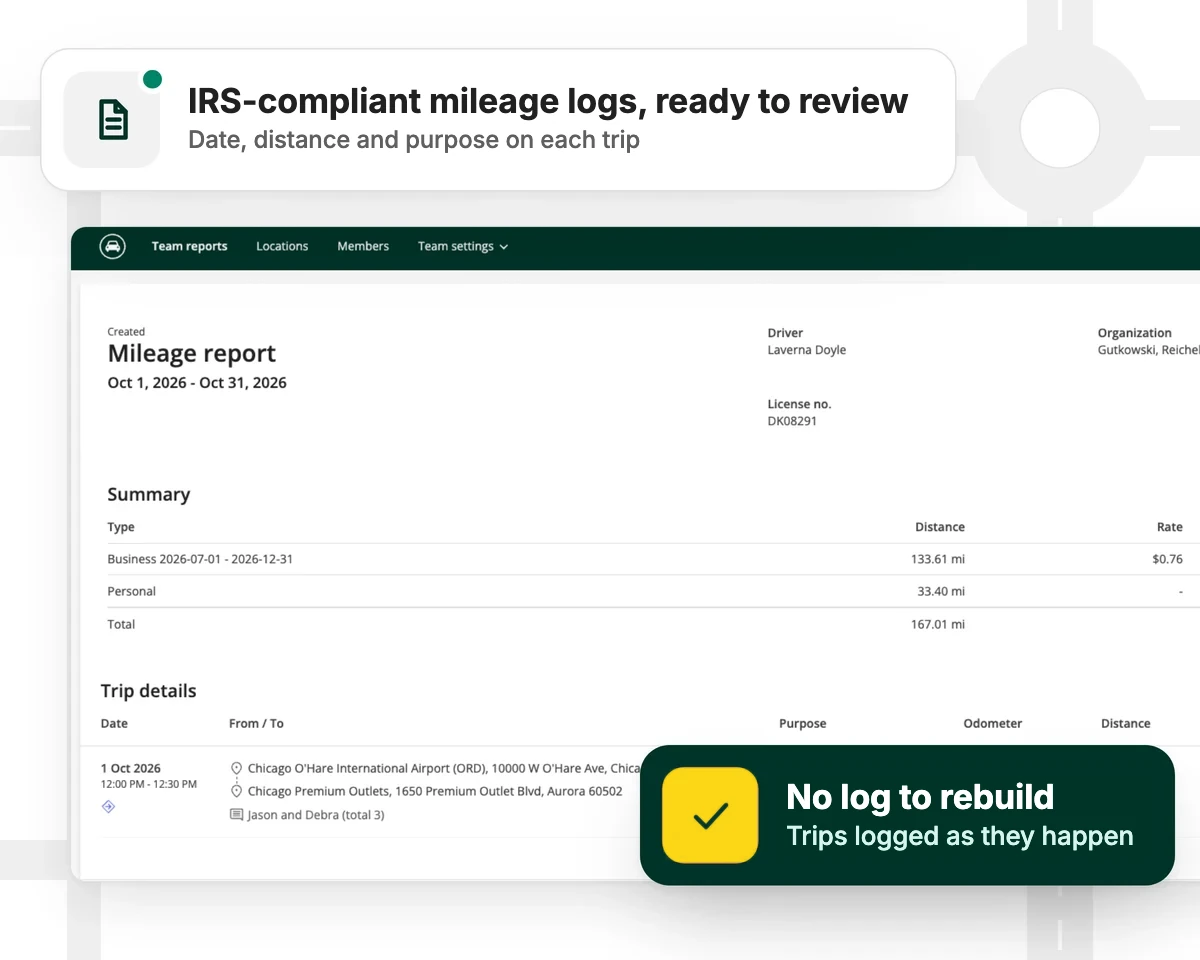
IRS-compliant mileage logs
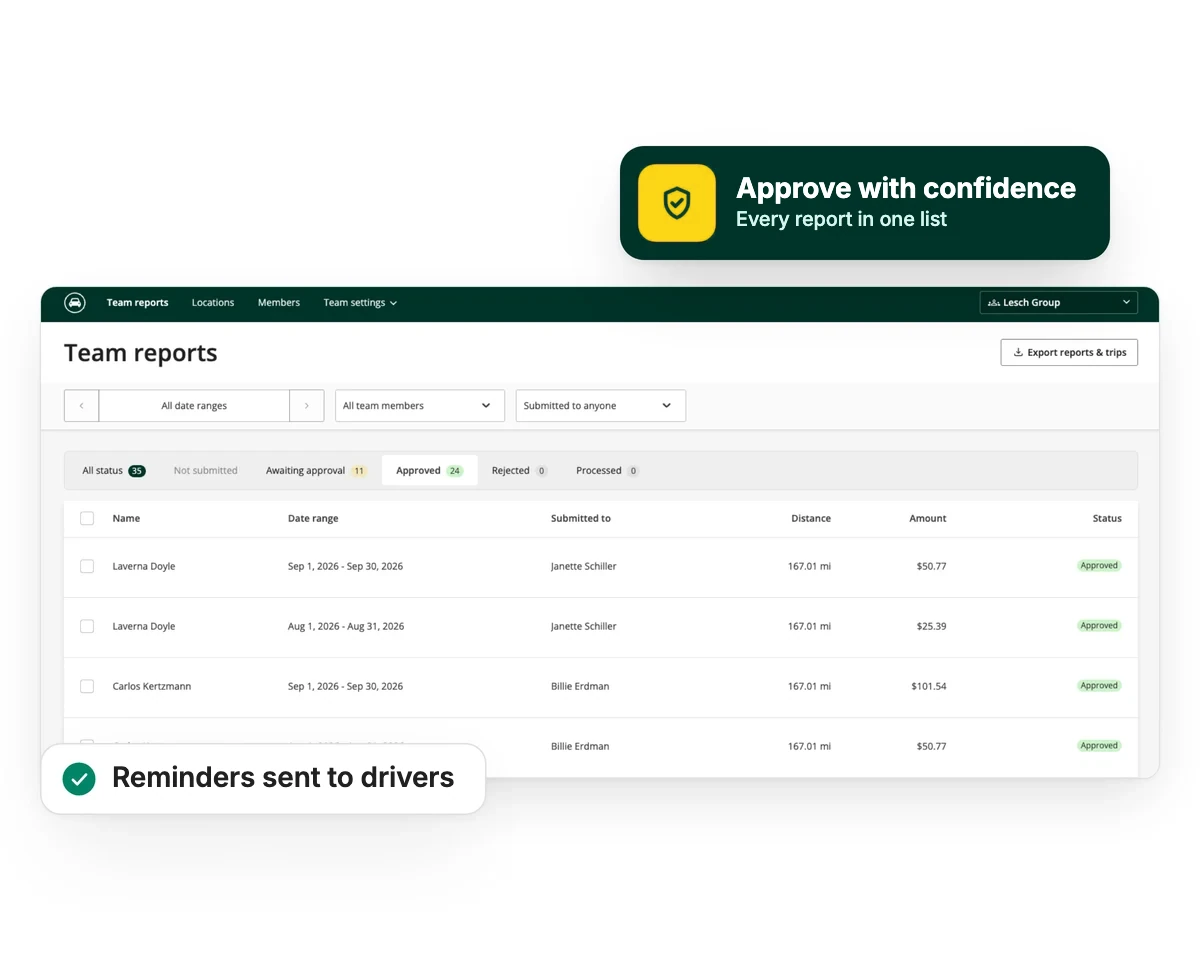
Keeping the books in-house? Approve every claim with confidence
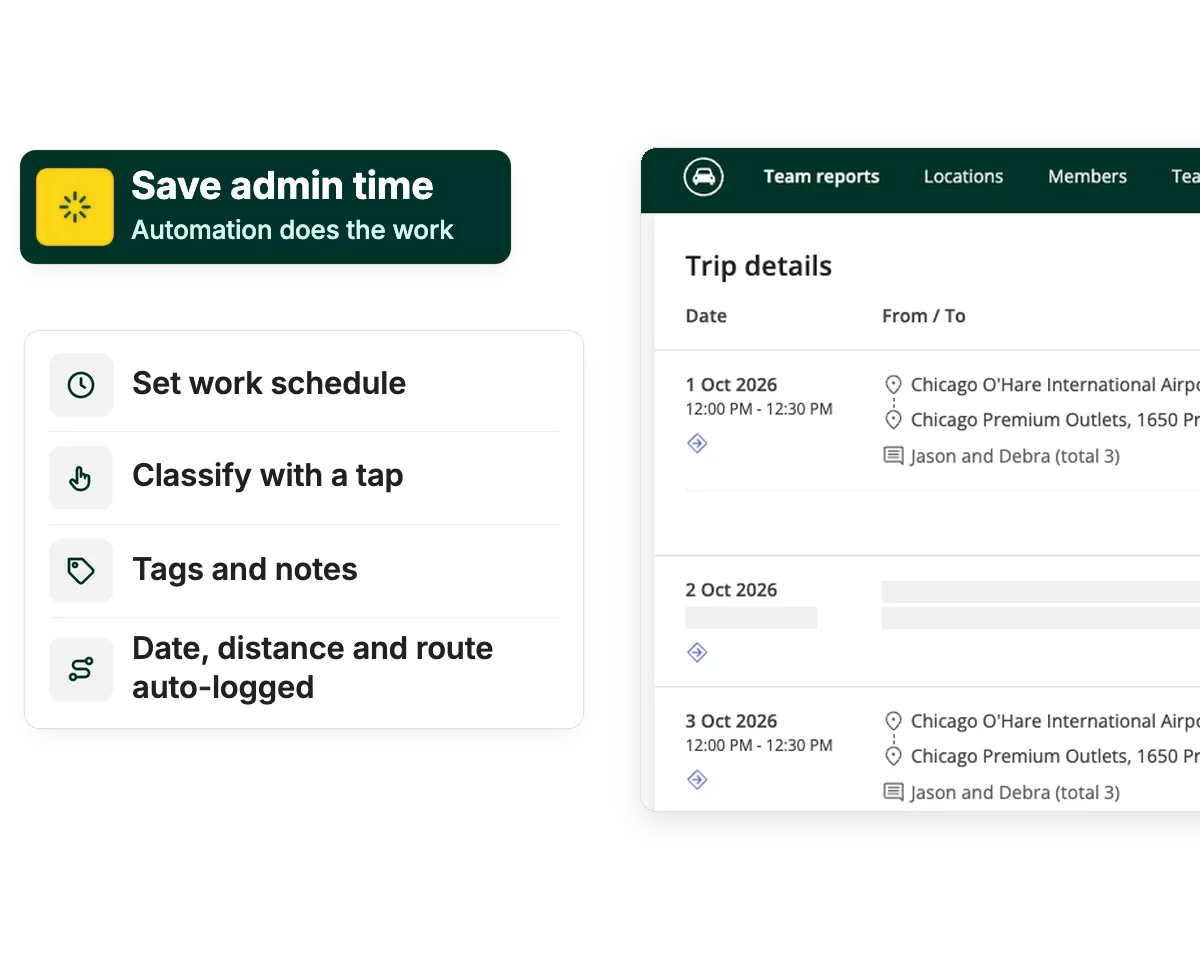
Every trip is logged automatically with the date, distance and route. Drivers mark it business or personal with a tap and add notes or tags if needed. Each driver submits one report per period, and reminders do the chasing. Trips added by hand are flagged, so you know which ones to spot-check. You can use the standard IRS rate, which updates automatically if it changes mid-year, your own custom rate, or no rate at all for company cars.
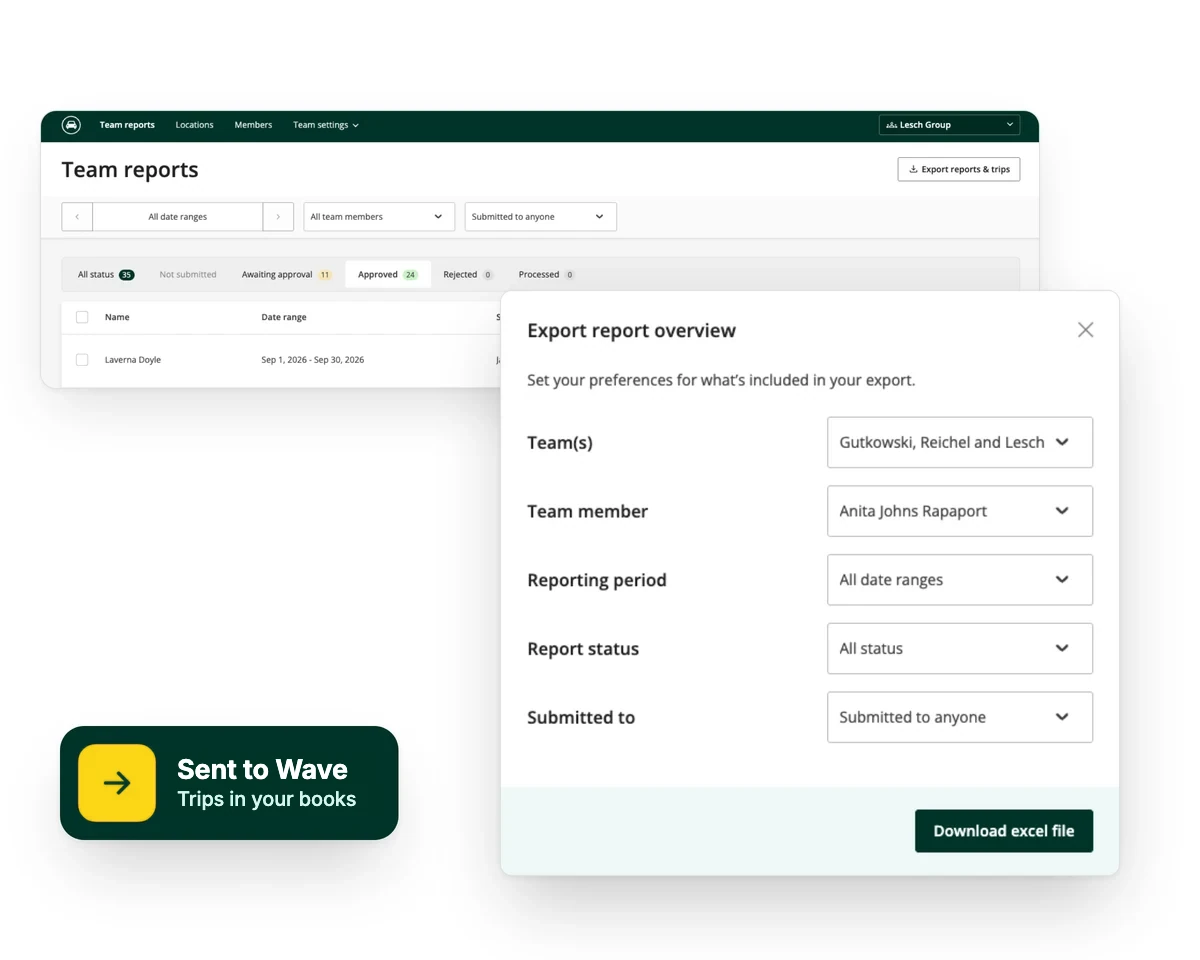
Exports & integrations
One clean file for payroll and the ledger
Export approved reports to Excel or PDF for your payroll provider or accounting system. Using Wave? Send trips straight to your books with our Wave integration.
Works for one driver or a whole team, on the devices they already use
- iPhoneiOS app
- AndroidAndroid app
- WebDesktop & admin
- iBeaconAuto-start in the car
- IntegrationsConnect your tools
- Open APIComes with Pro


For finance departments
Ready for your CFO
Run every team, location and driver from one account, on one bill. With Teams +, your team signs in with single sign-on (SSO) through your company's identity provider. With our open API, you can connect mileage data to your own systems. Records are encrypted, and a data processing agreement is part of every team's terms.
Mileage tracking for accountants: your questions
Each trip records the date and distance as you drive, and you can mark a trip as business or personal with a single tap and add its purpose. That's what the IRS asks for in an adequate mileage record. Your accountant can review the full log at any time.
An accountable plan lets employers reimburse expenses tax-free when employees substantiate them and return any excess. Driversnote gives each reimbursement a trip-level record and an approval trail. Always consult your advisor.
Driversnote updates to the new IRS rate automatically, so trips before and after the change are priced correctly. Teams can also set a custom rate.
Driversnote integrates with Wave. For other accounting or payroll systems, export approved reports to Excel or PDF.
Yes. Clients can share a report with you by email straight from Driversnote, with every trip, total and purpose included.
It's free to join, with no minimum commitments. You earn a Handling Fee on net subscription revenue for up to three years for each customer you refer, paid out quarterly or annually with reporting.
There's no single federal rule requiring it, but some states, including California, require employers to reimburse necessary work expenses. Check the rules where your employees work.
Mileage your books can count on
Clean records for your finance team, or a better answer for your clients.
Guides for finance teams and advisers

Are employee reimbursements taxable?
Accountable and non-accountable plans, and which reimbursements stay tax-free.

FAVR: reimburse real driving costs tax-free
Fixed and Variable Rate reimbursement puts the same or more in drivers' pockets tax-free, and typically costs less than a flat car allowance.
Mileage rules for employers
Options for reimbursing employees, best practices and the IRS rules behind them.