Company cars and taxable benefit
Keep company cars compliant, without the admin
A company car is a perk for your team and a reporting job for you. Driversnote tracks every trip and sorts it into business or personal, so you're ready if the IRS asks.
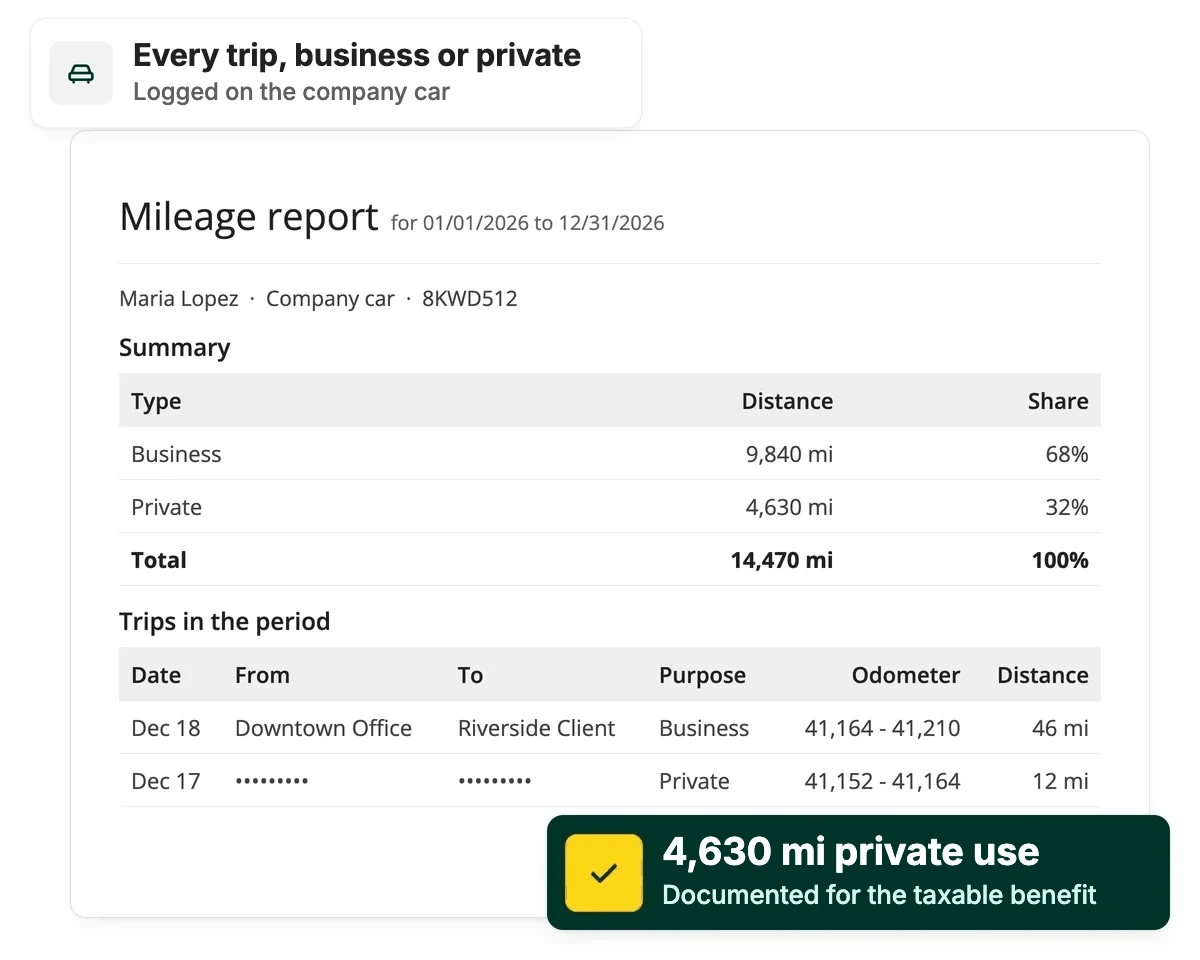
Personal use tax
Show the split, or the whole car is taxable
Without a mileage log, the IRS treats every mile as personal. That can mean back taxes and extra payroll tax for your business, and a tax adjustment for your employee.
Stay compliant by logging trips as they happen

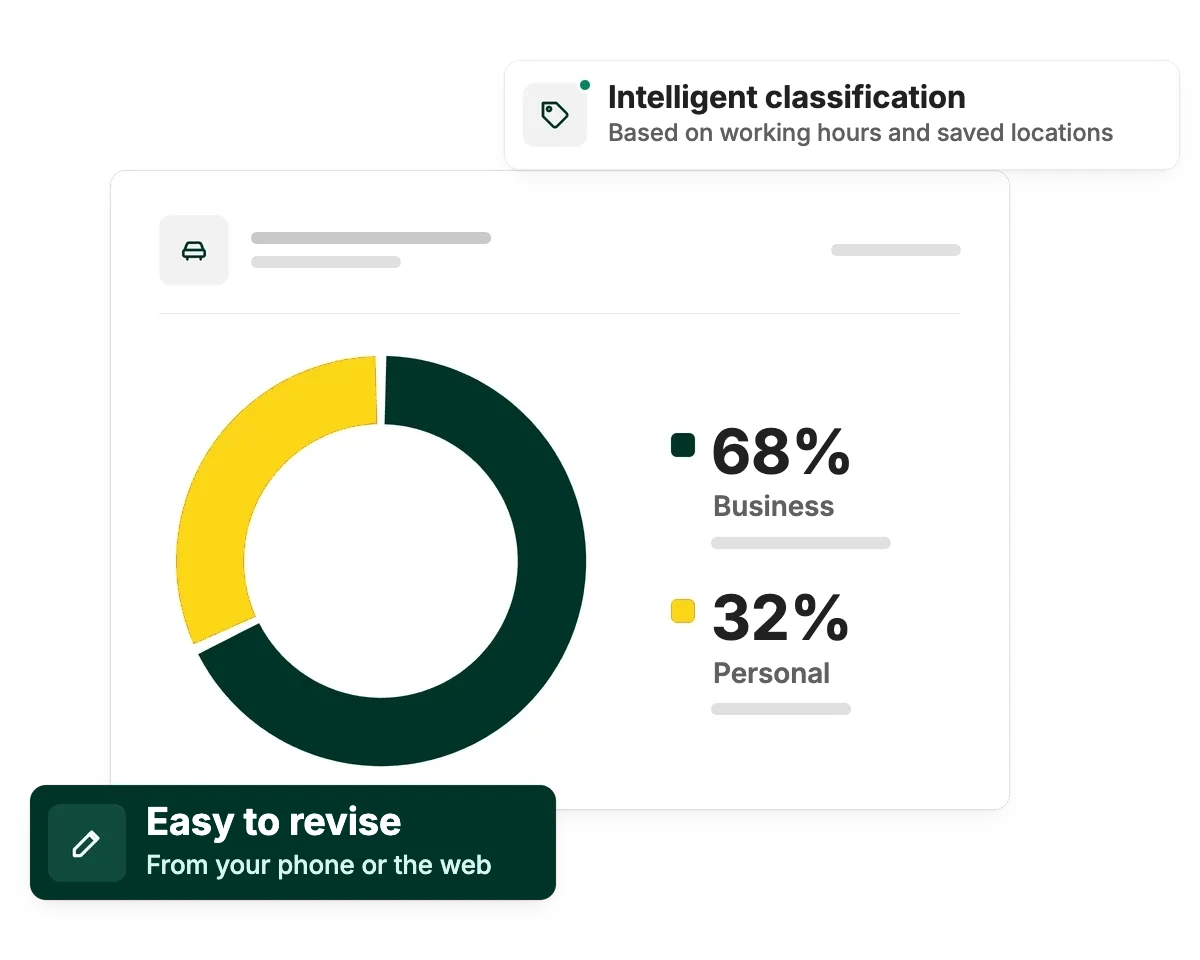
Business or personal, labeled for you

One dashboard, every driver

IRS-compliant mileage logs
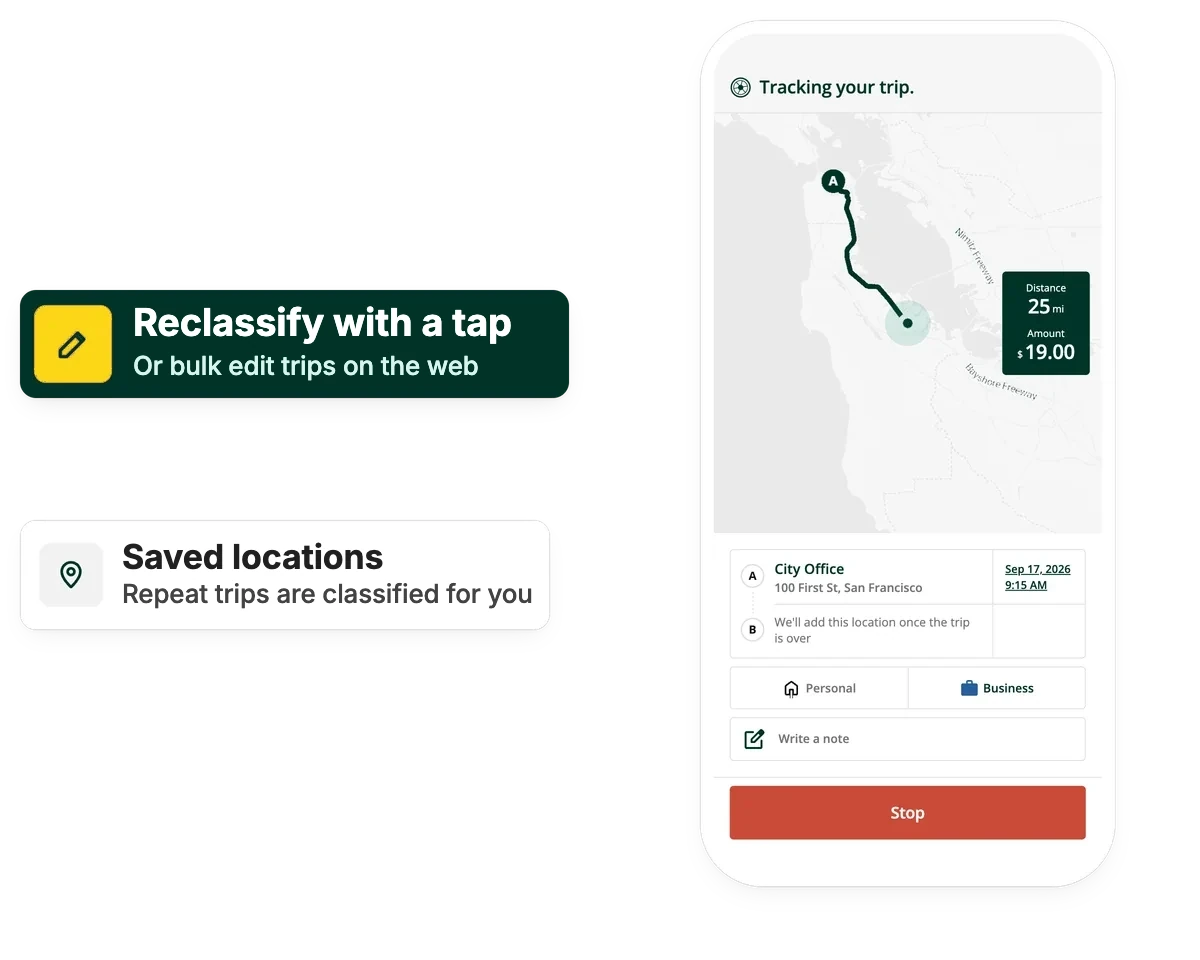
Trip classification
Every trip gets the right label, business or personal
That split is what lets you prove how each company car is used and work out what's owed back for personal miles.
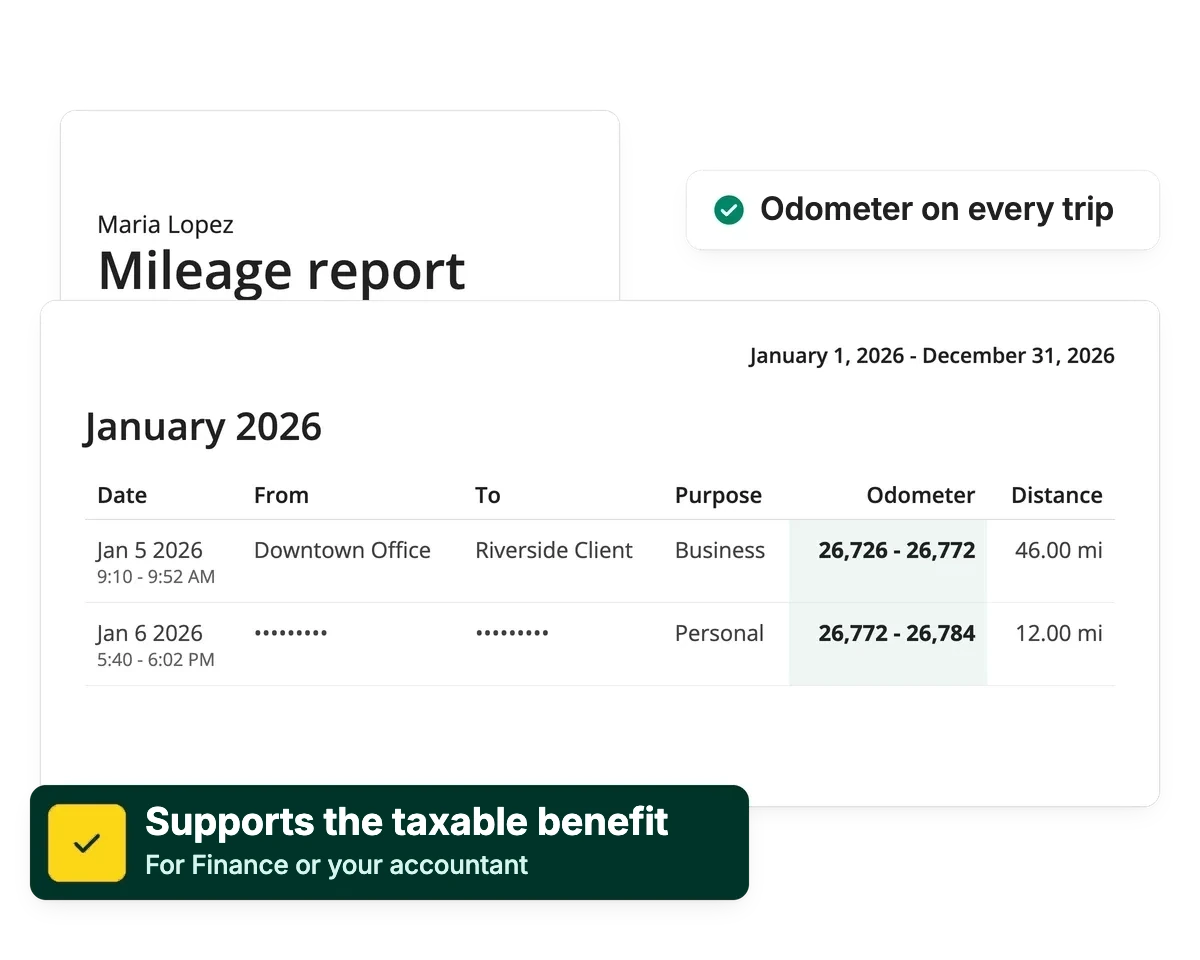
Tax reporting
Reports that are ready when the IRS asks
The IRS expects the business to keep the log, and without one all use is taxable. Logging as trips happen means there's nothing to piece together later.
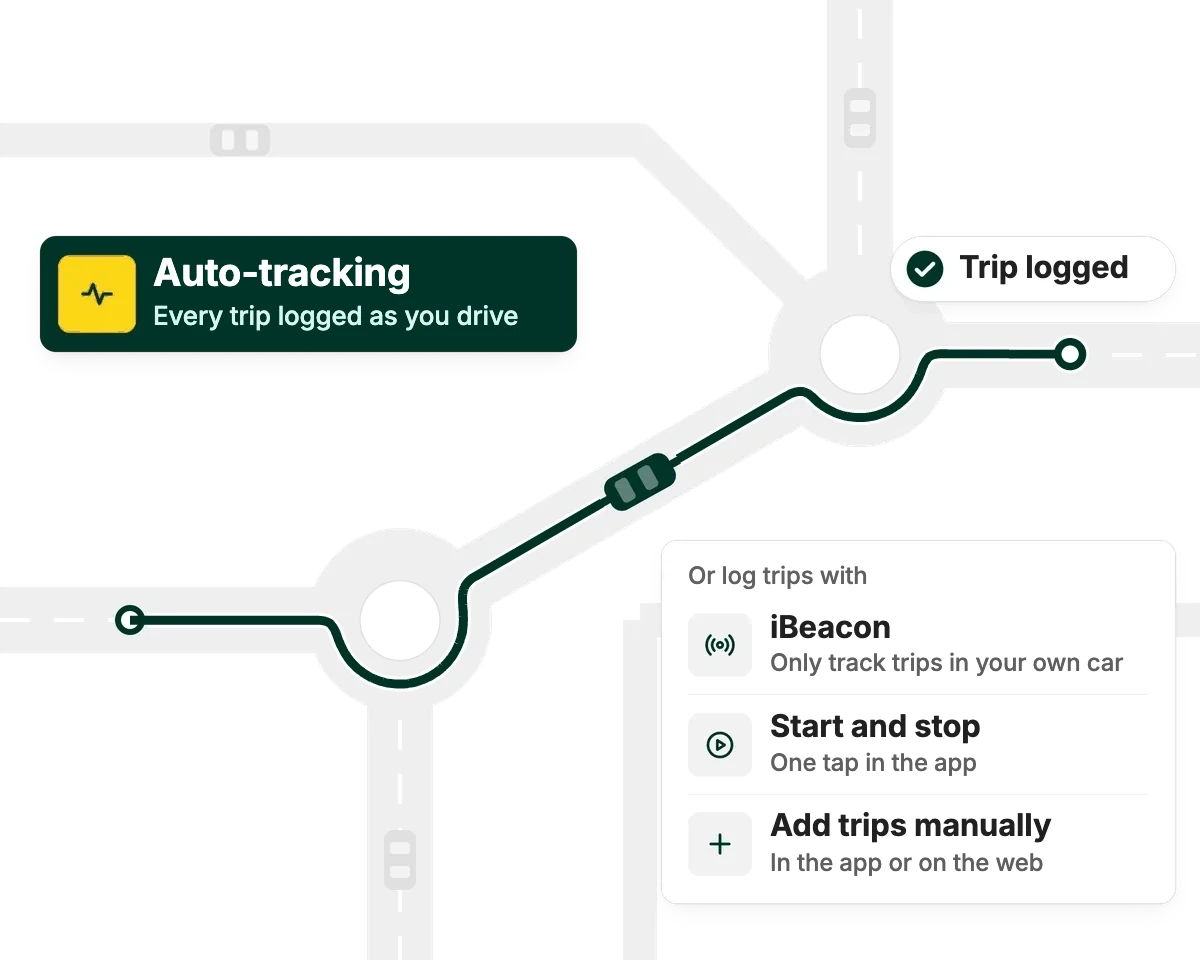
Automatic tracking
Trips log themselves
Every trip is recorded as it happens, not reconstructed later, so drivers have nothing to remember and you have less to double-check.
Prove how your company cars are used

Automatic tracking
Every trip logged via GPS or iBeacon, no manual entry.

Approve in seconds
Review and approve driver logs from one dashboard.

See the percentage split
You can always see the split between business and private miles.
Audit-ready exports
One-click PDF or Excel reports, with a full edit log.

Privacy controls
Personal trip details stay hidden from admins.
Get your company car mileage in order
Start for free and see how Driversnote tracks every trip, sorts business from personal and builds the reports you need when the IRS asks.
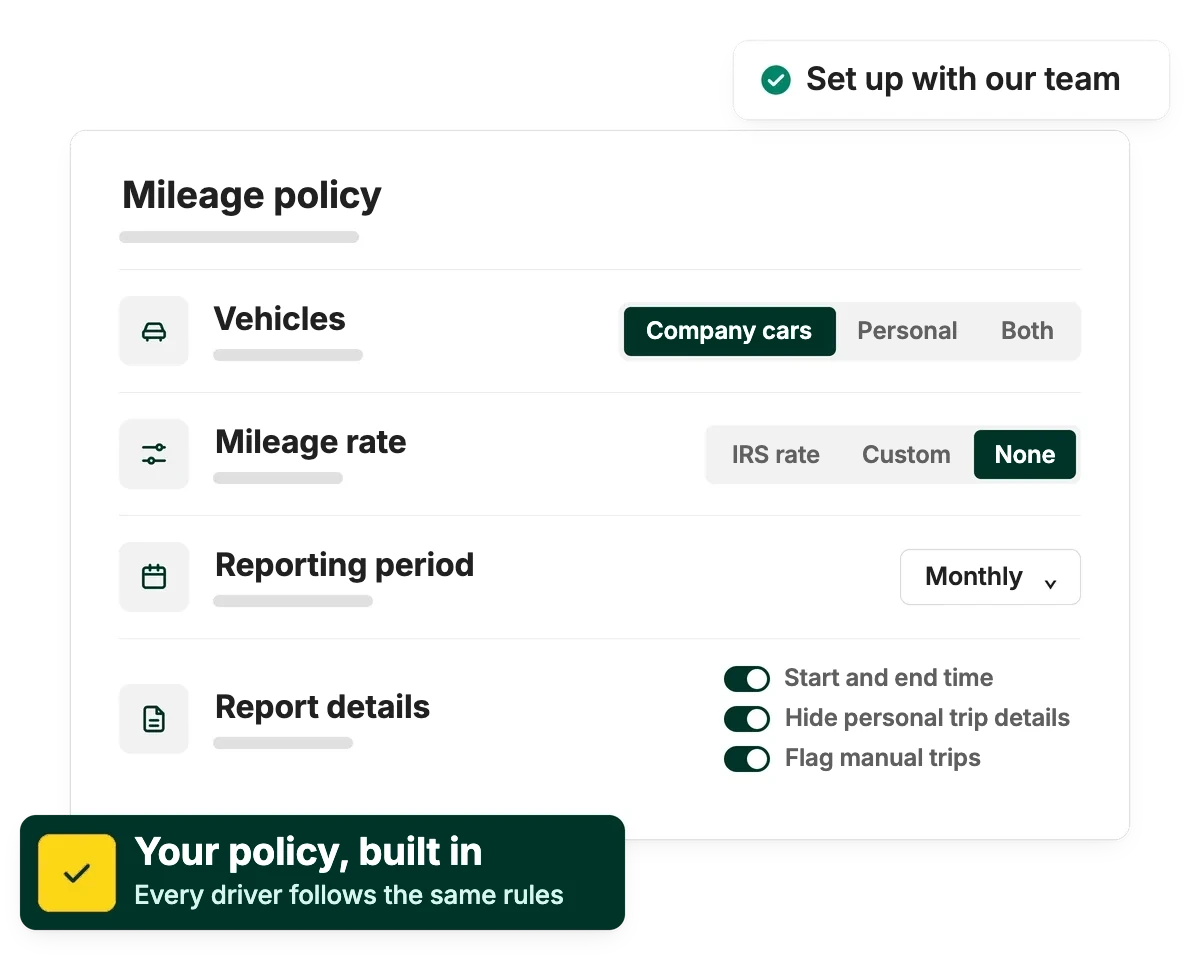
Get set up right
Make sure you have the right program for your fleet
We'll help you tailor Driversnote to your exact needs.
Frequently asked questions
Only if it's used for anything other than business. Personal use of a company car, including the regular commute, is a taxable fringe benefit under IRS rules and must be added to the employee's W-2 income. If the car is used strictly for business, or the employee fully reimburses you for the personal miles, there's no additional tax.
The IRS defaults to treating 100% of the vehicle's use as personal. That triggers back taxes and retroactive employer FICA/FUTA payroll taxes, plus interest and penalties, on top of a surprise W-2 tax adjustment for the employee.
If an employer requires an employee to take a company car home but bans all other personal use, the commute can be valued at a flat $1.50 per one-way trip ($3.00 round trip) instead of the more expensive lease-value method. It requires a written policy, and it isn't available to "control employees" (officers, directors, 1% owners or high earners).
Yes. Driversnote logs every trip automatically and lets you classify it as business or personal, giving you the records the IRS requires, kept as trips happen, no matter which valuation method you use.
Keep your company car mileage in good order
Track trips automatically, classify them in a tap, and export IRS-ready reports whenever you need them.

