Driversnote: The Smart Alternative to MileIQ
Get the mileage tracking you need for less. Track trips automatically, categorize business and personal drives, create IRS-ready reports, and easily bring your MileIQ data with you.

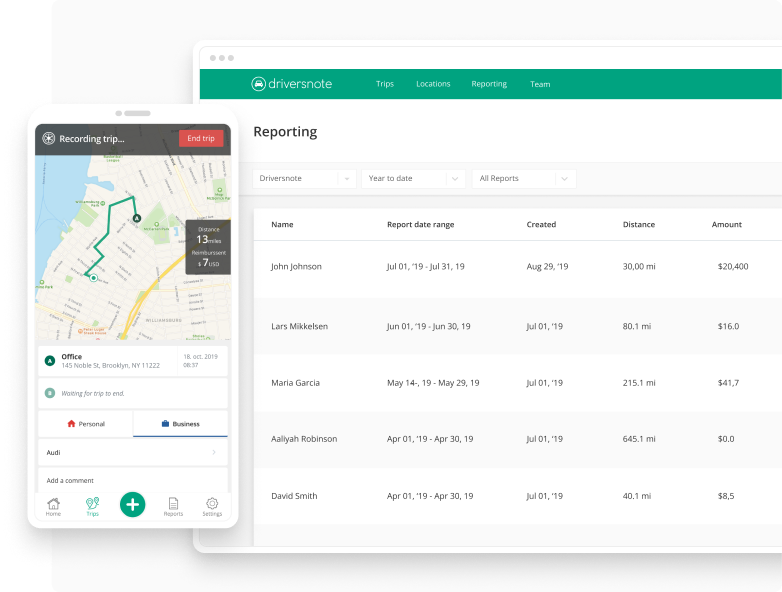
Better than MileIQ I used Mile IQ for years and really liked it. But the price was getting out of hand and always going up. So I had to cancel it. I run a small photography business so keeping mileage is important but my budget is tight. I tried using the mileage option in FreshBooks but had inconsistent results and unusable reports. So far, Driversnote has blown me away and I look forward to a year of ACTUAL & RELIABLE mileage tracking for my business.
Moonsuan

Major upgrade from MileIQ Switched to this a few weeks ago, already making my life much easier. Works best with the iBeacons if you are tracking multiple cars with one subscription. In that arrangement it always knows which car was associated to a drive, and is smart enough to not create dupe logs if my wife and I are both on the same drive. The function for labeling frequent destinations is also better and makes the tracking more accurate. Highly recommend!
SpaceCoastRick
Terrific biz tool This is so far superior to MileIQ that I can't even put it into words. Keeps me up-to-date with inbox reminders to review the accuracy of my trips, properly categorize them, periodically check my mileage in app versus my odometer. The list goes on! Could not be happier.
Wild Images Fla
Best Mileage Tracking App I've ever used I experimented with multiple apps before deciding on Driversnote, but this one is the most organized and easy to use tracking app on the market. Simple but detailed and functional interface. I am using the iBeacon, a device that makes it less battery-costly and provides more accurate tracking; they provide it complimentary if you buy a pro plan. Mine was stolen from my car the other day and they offered a free replacement. Overall, I'm very satisfied with the app.
Serannian
Best mileage tracker I have to travel a lot for work and I've tried many different mileage tracking apps. This has been the best by far! I love that you can nickname your frequent locations and it will automatically apply that name the next time you go there! It is very easy to use and the price is not bad especially with how well the app works.
Jaciseren
Drive away happy I've been looking around for an app that can help me record mileage to and from work. A number of the apps that I looked at seemed too cumbersome and time-consuming. Driversnote was easy to set up. You just configure autostart and the app does the rest. You can customize it to when you drive for work and want the mileage for tax purposes.
PatsFan79
I've been using the driversnote app for many years now and am very happy about it. I can track my mileage and no need to keep another logbook. I can print the report every month and attach it to my claim form. Highly recommended for business.
Joel Goyena

Why Driversnote?
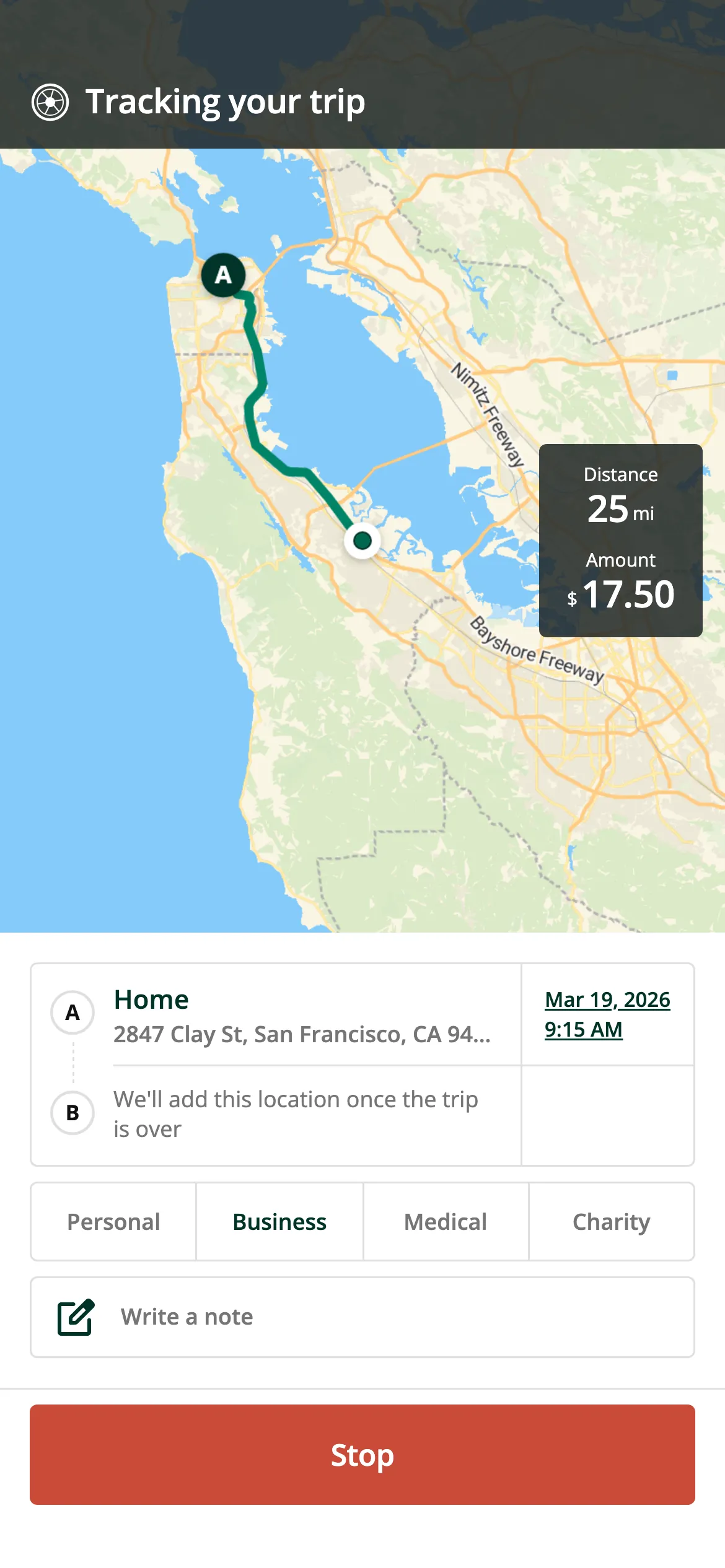
Track every way you want
Automatic tracking, manual entry, or pair an optional iBeacon with your phone — no start or stop needed, plus full editing on desktop.
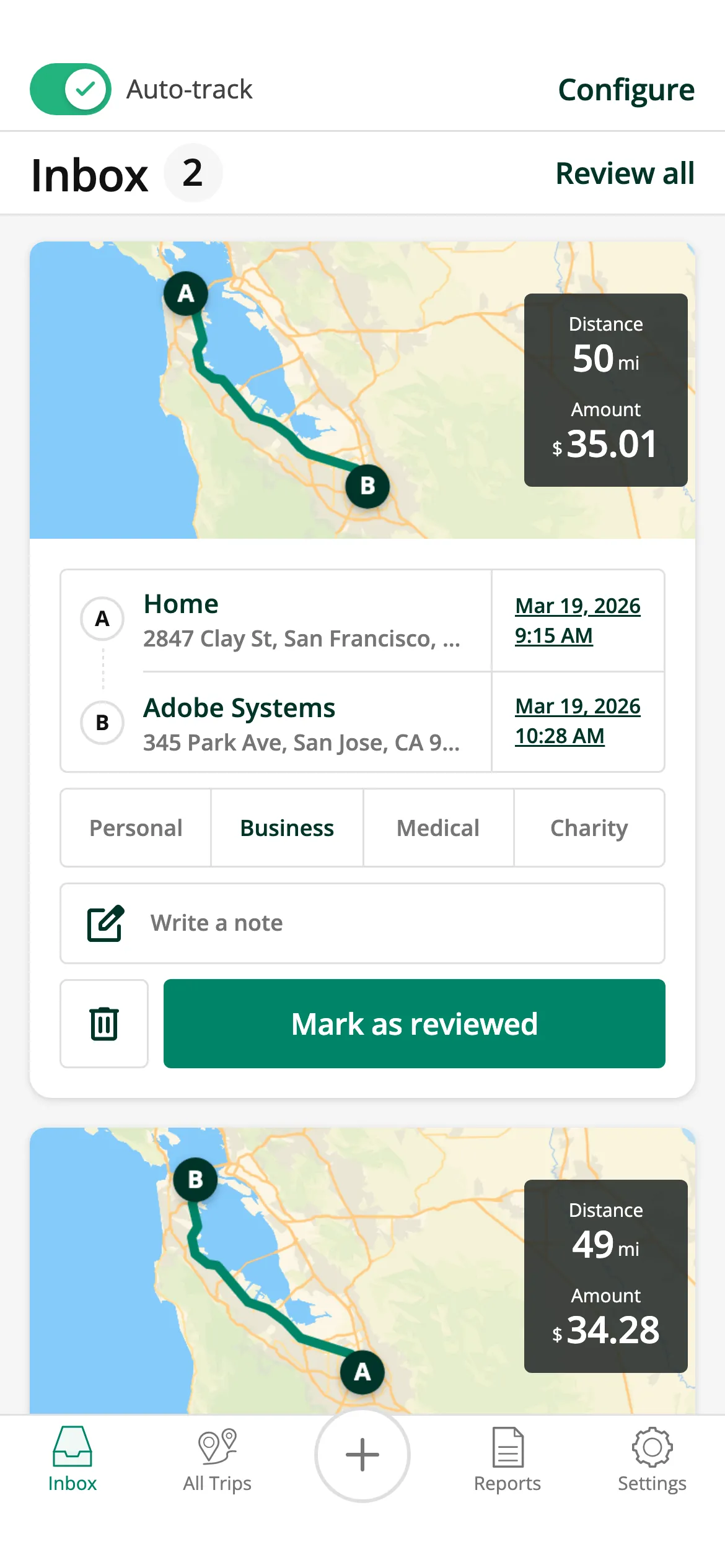
Smarter trip sorting
Our Smart inbox uses machine learning to sort trips into “Ready” and “Needs review”, so classifying a month of driving takes seconds.
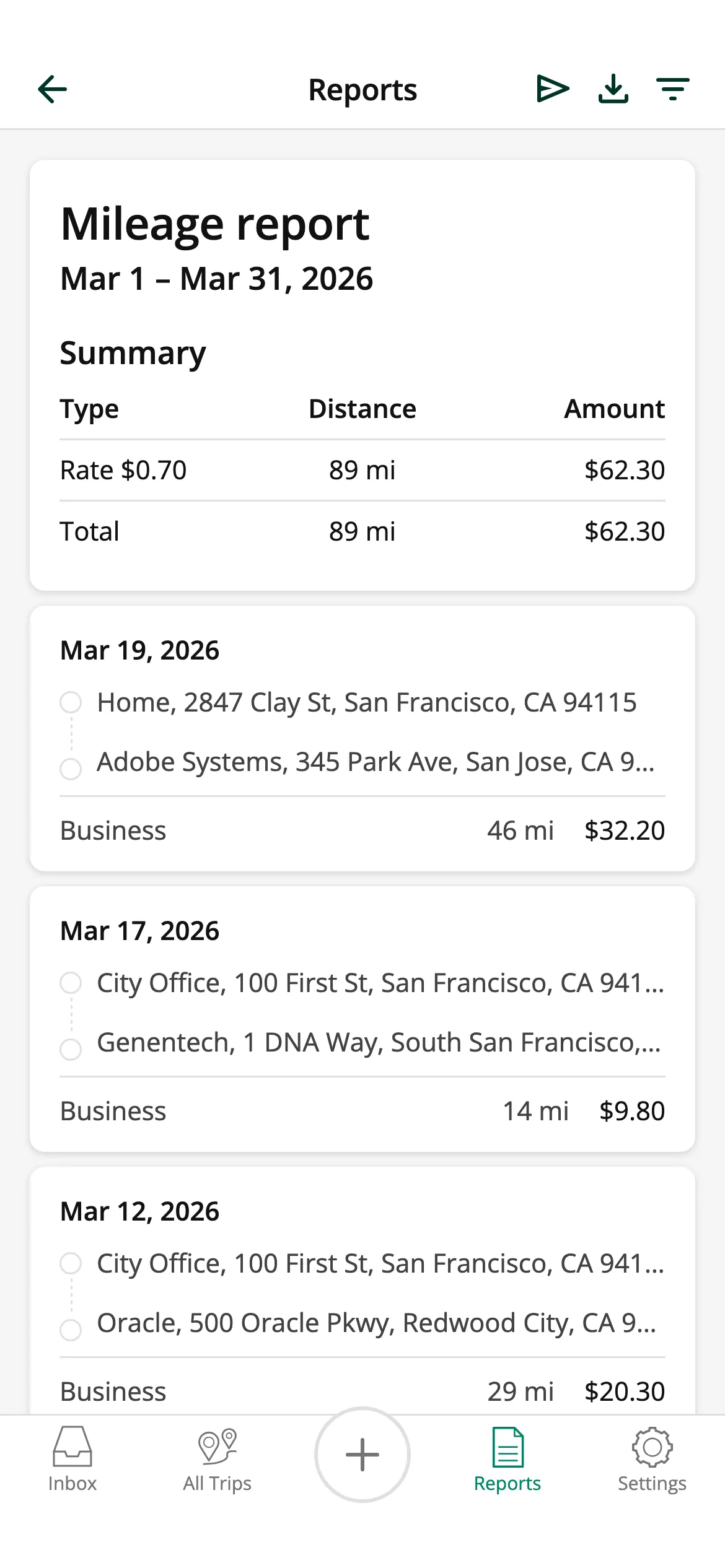
Accurate, tax-ready reports
Saved locations and easy trip editing keep your log precise. Generate IRS-compliant reports for your accountant or employer fast

Competitive pricing
Pay less. Get more.
Spend less than you do today and get a mileage tracker that keeps moving forward. We ship new features and improvements every month, backed by a customer service team that's here when you need us.



Flexible mileage tracking
Track any way you want
Driversnote gives you every option — and lets you mix them to match your drive.
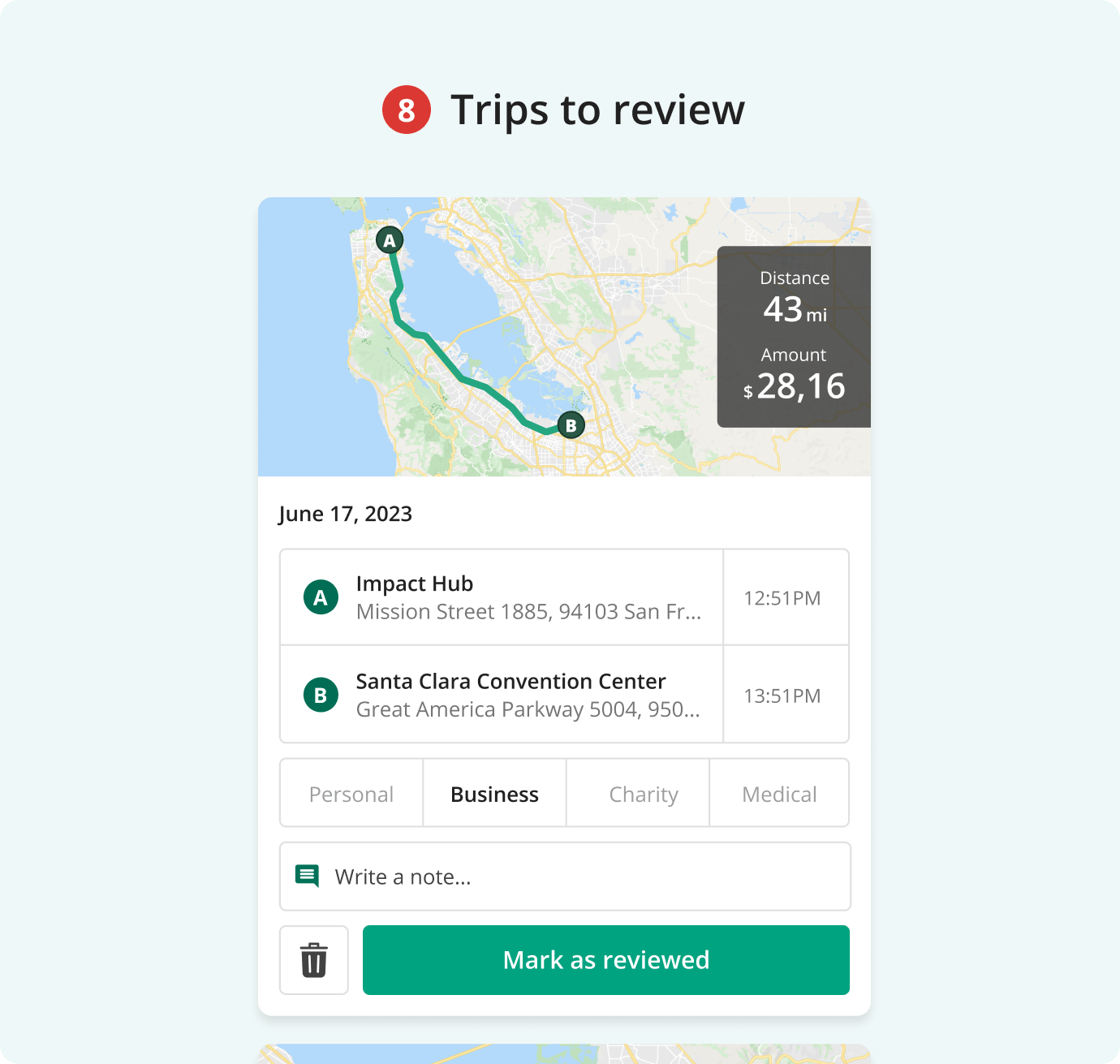
We deliver ease & peace
Make your life easier
Categorize trips as business or personal with a tap. Use Smart inbox to predict trip types, highlight what's ready, and flag what needs review. Learning and improving for every mile you drive.
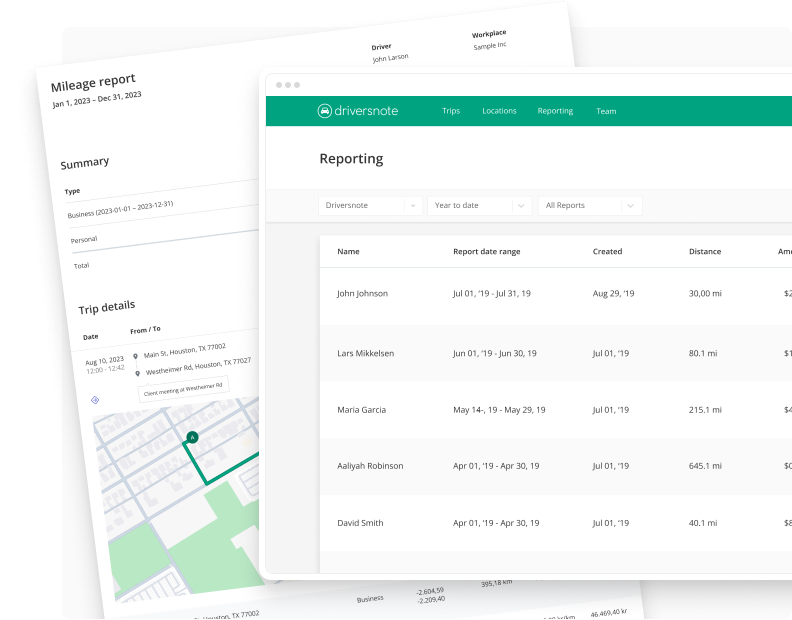
Claim every mile
Log all work trips accurately
Automatic tracking, saved locations and easy trip editing keep your mileage records accurate — so you can claim the right miles with confidence, every time.
“Game changer — the time it saves me… love love love”

Coming from MileIQ?
Moving your data is easy
Bring your existing mileage into Driversnote in just a few steps, so your records stay complete and tax-ready — no gaps, no starting over. Then let auto-tracking take it from there.
Driversnote for Teams
Managing or part of a team?
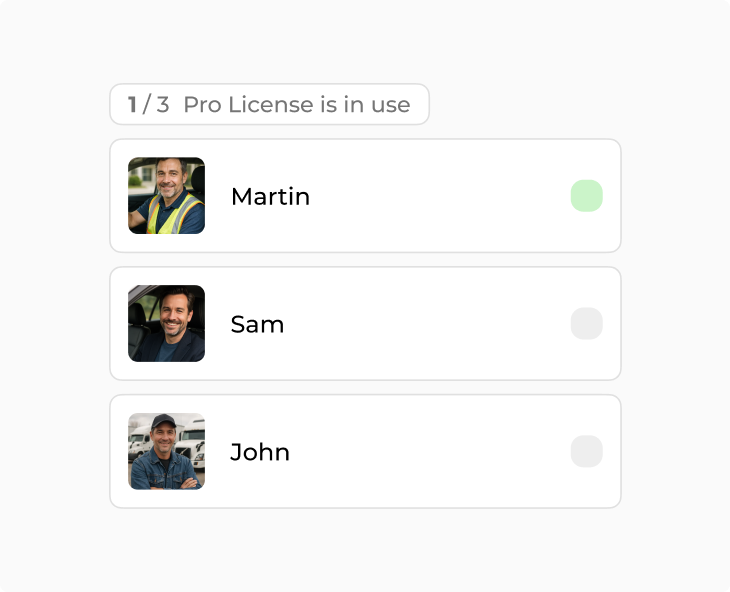
Driversnote for Teams turns everyone's mileage into audit-ready reports and makes reimbursement less of a pain for admins and drivers alike. Give admins free approver accounts, pay only for active drivers, and keep every trip audit-ready.
Learn more about Driversnote for TeamsEverything you need to track your mileage

Automatic tracking

On every device

Unlimited trips & reports

Local & custom rates

One-tap classification

Saved locations

Multiple vehicles

Optional iBeacon

Multiple workplaces
Local & custom rates
One-tap classification
Saved locations
Multiple vehicles
Optional iBeacon
Multiple workplaces
Frequently asked questions
Yes. Driversnote does everything MileIQ does — background auto-tracking, one-tap trip sorting and ready-to-send monthly reports — and adds an optional iBeacon device, manual and odometer tracking, multi-vehicle logs and desktop editing. It's rated 4.7/5 from over 100,000 reviews.
Yes. You can bring your existing mileage into Driversnote in a few steps so your records stay complete and tax-ready, then continue with automatic tracking.
Yes. Driversnote records your trips automatically in the background, and the optional iBeacon starts tracking the moment you get in the car — so you never have to remember to hit start.
Yes. Driversnote generates IRS-compliant mileage reports you can submit to your accountant or employer in one click, with the correct standard mileage rate applied.
Driversnote has a free plan and paid plans for heavier drivers and teams.
Sign up for a free account
Get started in 2 minutes. Choose your plan, download the app, and your first trip is tracked automatically.
Get started for free